
Hi everyone, I’m new to this extension and I’m having trouble with the navigation. Only “input:(last)” is selectable, but it takes me to the last page instead of the next one…
Here’s the link:
https://trouver-un-club-federation-tir-a-l-arc.ffta.fr/resultats-trouver-un-club/59000-lille/?num_page=1
Thank you !
Adrien
Hi Adrien,
Thanks for reaching out! I’d be happy to help.
If you ever have trouble with the Next button, you can also use the active/current page indicator as a way to paginate. Meaning, you can tell Data Miner to find the current page and then click the next one over. Try the following selector:
.pagination-nb .pagination-sel + form:last input:last
Manually copy and paste that into your advanced next page selector input box and then you should be good to go! Please let me know if you have any questions.
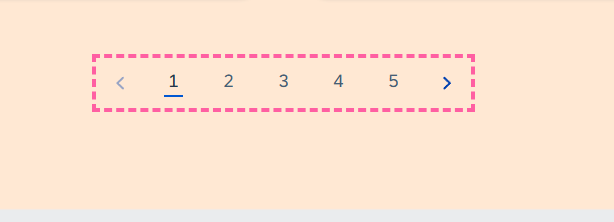
Hi Zach, is this fix going to work across other pages too? I have used Data Miner for several scrapes already however, I am unable to figure out a way to set up the next page automation for this website. There is a next arrow but the “NAV” step in Data Miner is not selecting the next arrow rather selects the full bundle of page numbers.
Site: SAP Partner Finder
I tried to use advanced settings where I put the HTML selecter as
- a:contains(›)
- .active + li a
None worked… any help on how to set the next page automation for this page would be appreciated
Hi There,
Thanks for posting.
I took a look at the site, but unfortunately, Data Miner will not be able to automate the pagination for this site. The next button is inside a shadow-root element. Shadow root data is rendered separately from the main HTML and Data Miner can only access the main HTML. So we do not have access to this element. That is why you are not able to select it.
Sorry to break the bad news. Please let me know if you have any questions.